
Category: Security & SSL • Est. reading time: 2 minutes
AutoSSL is cPanel’s feature that issues and renews free SSL certificates for your domains automatically. Usually it just works in the background. But if you have added a new domain or a certificate did not renew, you can trigger it by hand.
1. Log in to cPanel and open SSL/TLS Status in the Security section.
2. Review the list of domains and their certificate status.ction, click on the SSL/TLS Status icon.
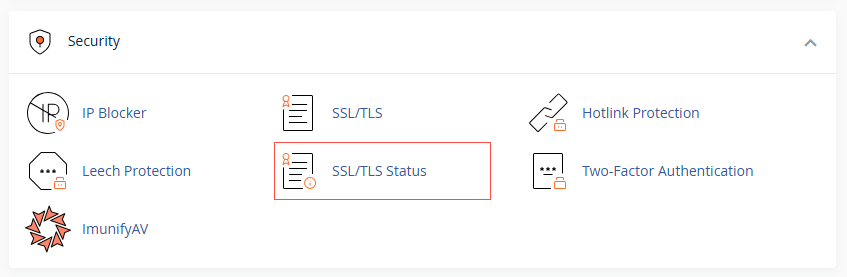
3. Select the domains you want covered, or use Run AutoSSL to check them all.

4. Click Run AutoSSL and wait a few minutes for it to finish.
If a domain still will not secure: the usual cause is DNS. The domain has to actually point to this server before a certificate can be issued for it. If it is newly moved, give DNS time to settle and try again.
Stuck on a stubborn certificate? We troubleshoot these all the time. Reach us at support@allydrez.com or 1-321-209-2004.