
You can include or exclude your domain from AutoSSL.
If your domain is newly created, wait for a few hours, so cPanel can automatically install an SSL on your domain. However, if an SSL is not installed on your domain even after 24 hours, first check the last log of AutoSSL from cPanel >> SSL/TLS Status >> Certificate Status.
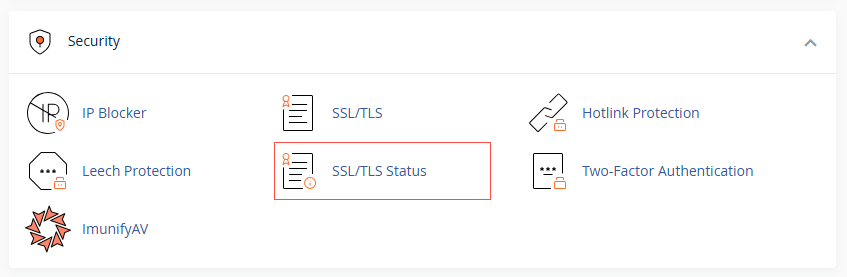
1. Log in to cPanel and open SSL/TLS Status.
2. Find the domain in the list.tatus icon.
3. To stop covering it, select it and click Exclude from AutoSSL.
4. To bring it back, select it and click Include during AutoSSL, then run AutoSSL again.
When to exclude: a parked domain, or one whose DNS points to a different server, cannot get a certificate here anyway. Excluding it keeps your SSL status clean and your logs quiet.
Not sure which domains should be covered? We are happy to review it with you. Reach us at support@allydrez.com or 1-321-209-2004.