
Category: Databases • Est. reading time: 2 minutes
Importing loads a saved database file back into a database, which is how you restore a backup or move a site to a new home. You will need your backup file, usually ending in .sql.
The Steps
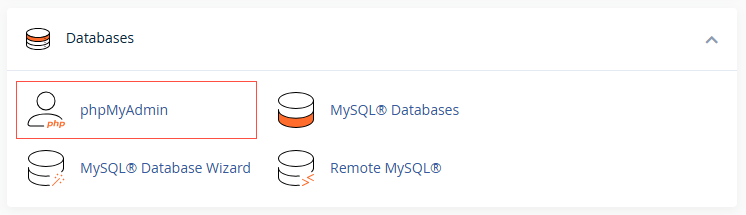
1. Log in to your cPanel account, and open phpMyAdmin in cPanel.
2. On the left, click the database you want to import into. It should be empty, or you may hit conflicts.
3. Click the Import tab.
4. Click Choose File, select your .sql backup, and click Import (or Go).

If your file is too big: phpMyAdmin has an upload size limit. Large databases may need to be imported another way, such as over the command line, which is something we can do for you.
Migrating or restoring a site? We do this cleanly all the time. Reach us at support@allydrez.com or 1-321-209-2004.