
Category: Databases • Est. reading time: 2 minutes
When a database belongs to a site you have retired, removing it keeps your account tidy. Just be certain first, because this cannot be undone.
The Steps
1. Log in to cPanel and open MySQL Databases.
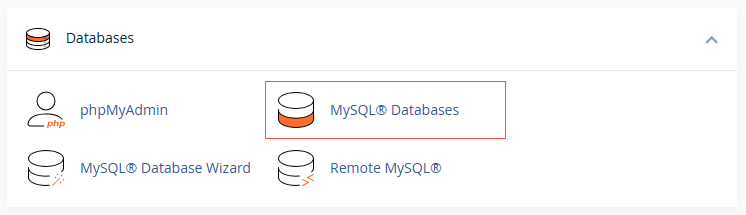
2. Scroll to Current Databases
3. Find the database you want to remove and click Delete next to it.
4. Confirm.
Back up first, always. Deleting a database erases its content permanently. Export a copy through phpMyAdmin before you delete, so you have a safety net if you ever need that data again.
Not sure if a database is still in use? Ask us before you delete. Reach us at support@allydrez.com or 1-321-209-2004.