
Category: Databases • Est. reading time: 1 minute
Sometimes you need to change a value directly in the database, like fixing a setting a plugin left broken. phpMyAdmin lets you edit individual rows without touching code. This is powerful, so tread carefully.
The Steps
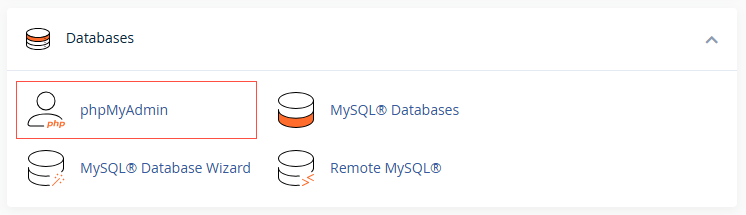
1. Log in to your cPanel account, and open phpMyAdmin and select your database.
2. Click the table that holds the data you want to change.
3. Click Browse to see the rows.
4. Click Edit (the pencil icon) next to the row you want to change.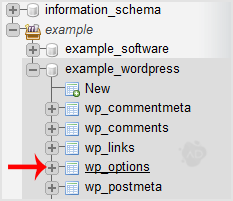

5. Update the value, then click Go to save.
Back up before you touch anything. A single wrong edit in the database can break a site, and there is no undo button. Export the table first, and if you are unsure which value to change, stop and ask.
Not comfortable editing the database directly? That is the smart instinct. Let us do it. Reach us at support@allydrez.com or 1-321-209-2004.