
Category: Databases • Est. reading time: 1 minute
Removing a table, called dropping it, deletes that table and all its rows. This comes up when cleaning out leftovers from an uninstalled plugin, but it is permanent, so be sure.
The Steps
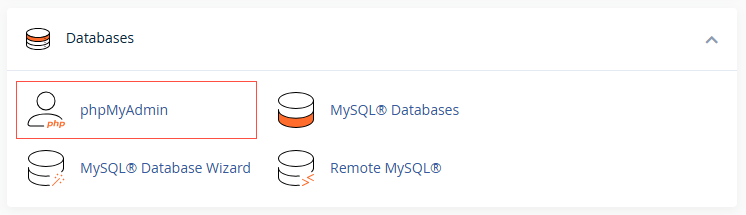
1. Log in to your cPanel account, and open phpMyAdmin and select your database.
2. In the list of tables, tick the checkbox beside the one you want to remove. You can select several.
3. At the bottom, open the With selected menu and choose Drop.tabase to expand the database tables.

Warning: The whole table will be removed, and it will be impossible to restore it specially If you don’t have a backup.
4. Confirm when prompted.
This is the point of no return. Dropping a table cannot be undone. Export the database first so you can restore it if you drop the wrong thing.
Cleaning up after a plugin and unsure what is safe to drop? Ask us first. Reach us at support@allydrez.com or 1-321-209-2004.