
Category: Databases • Est. reading time: 2 minutes
A database user is the login your website uses to read and write to its database. If you built your database without the Wizard, or you need a second user, here is how to create one on its own.
The Steps
1. Log in to cPanel and open MySQL Databases in the Databases section.
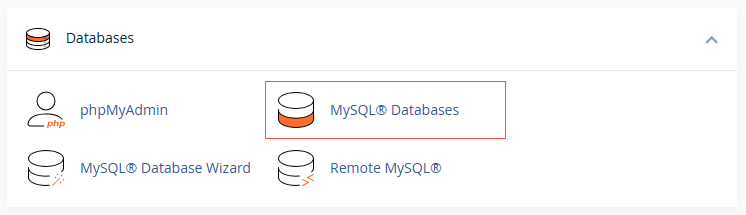
2. Scroll to Add New User.
3. Enter a username and a strong password, or use the generator.
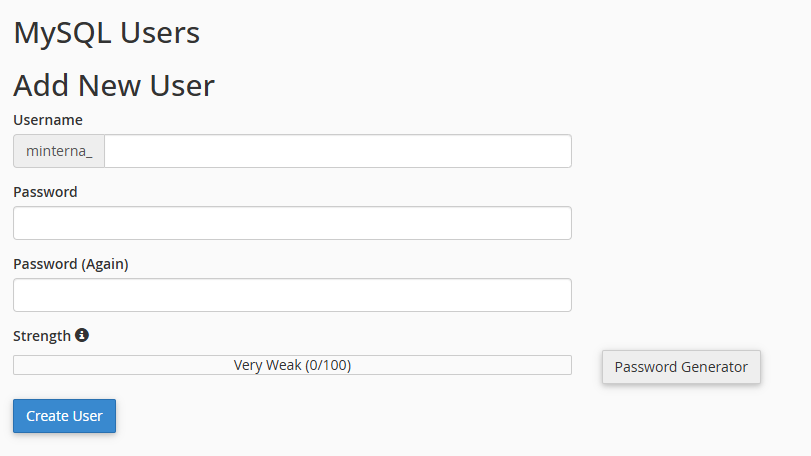
4. Click Create User.
Creating the user is only half the job. To let it manage a database, you still need to add it to that database, which we cover in a separate guide.
Security habit: use a long, unique password for every database user, and never reuse your cPanel password here.
Questions about your setup? Reach us at support@allydrez.com or 1-321-209-2004.